> For the complete documentation index, see [llms.txt](https://mu-occidental.gitbook.io/mu-occidental-wiki-esp/llms.txt). Markdown versions of documentation pages are available by appending `.md` to page URLs; this page is available as [Markdown](https://mu-occidental.gitbook.io/mu-occidental-wiki-esp/eventos/devil-square.md).
# Devil Square
Importancia del Devil Square y como beneficiarse en MU Occidental
**Duración del evento:** 20 Minutos\
**Capacidad maxima del evento:** 20 Personajes\
**Horario de evento:** Cada 30 Minutos - Visualizar tiempo faltante presionando H en el juego.\
**Limite de Evento:** 2 Veces al dia.
### COMO PARTICIPAR:
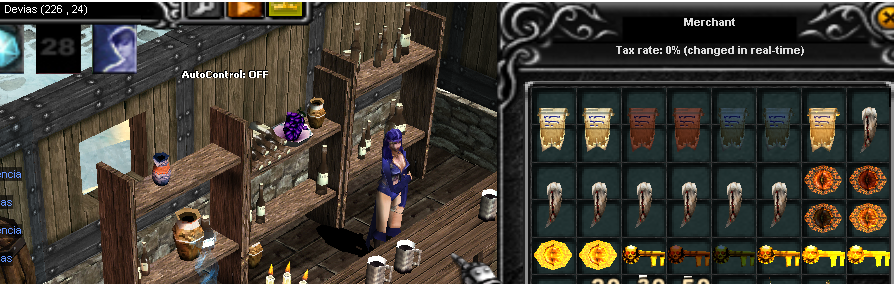
Precisamos en primer lugar crear la entrada al evento "Devil Invitation", la misma se puede crear con los items Devil Eye + Devil Key y un Chaos.
Items Mix Devil Invitation
Puedes conseguir los items para crear entradas hasta +7 en el NPC de Devias ubicado en las coordenadas 226,24.
NPC Devias 226,24
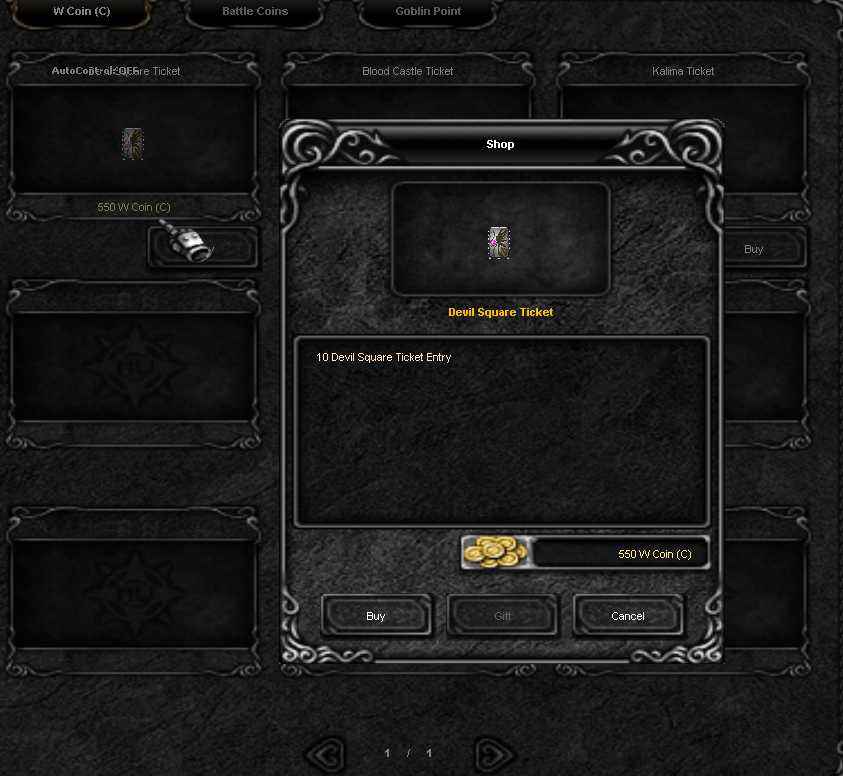
También pueden adquirir directamente un ticket desde el xShop del juego, que contiene 10 entradas que se ajustaran directamente al nivel de tu personaje
Contiene 10 entradas
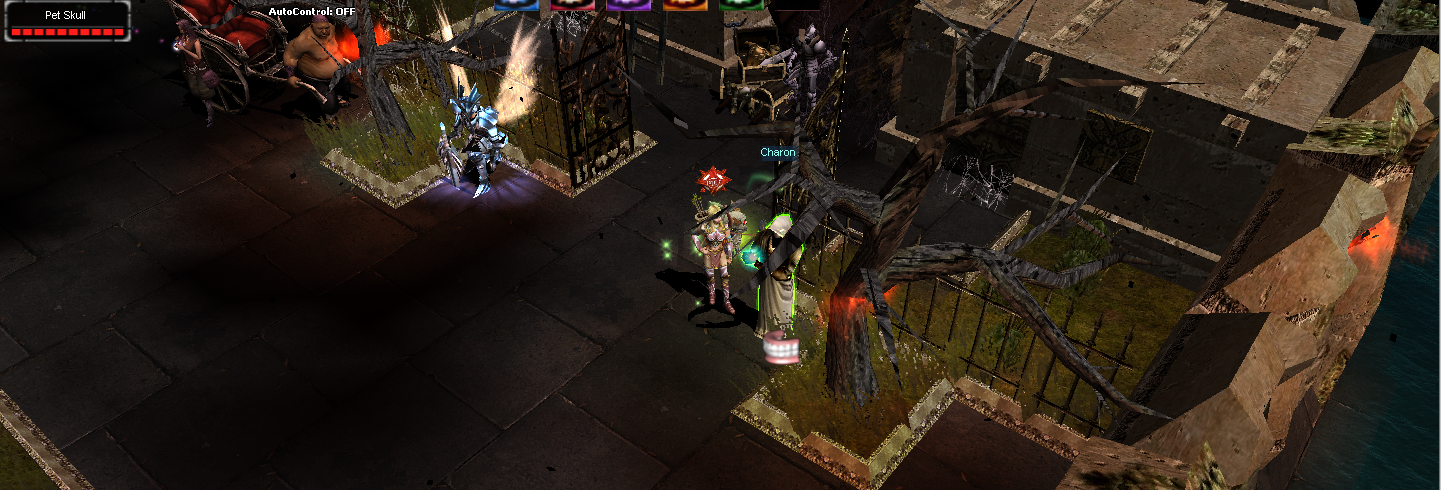
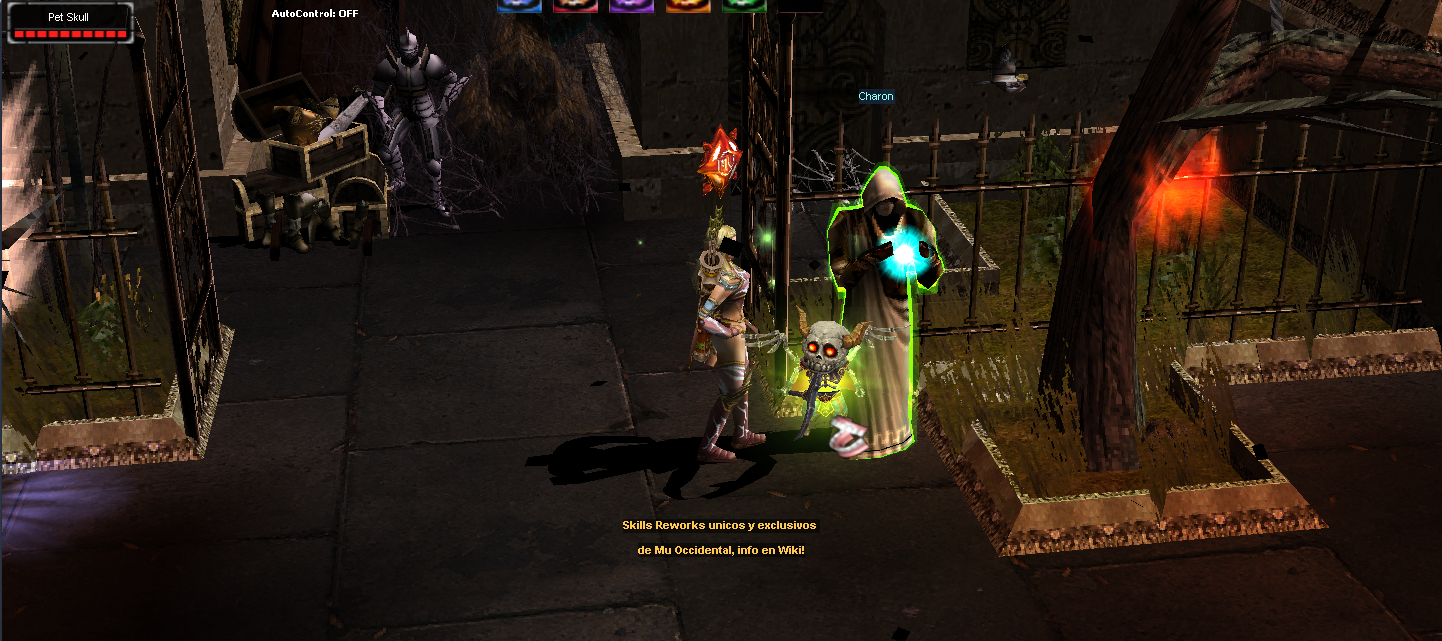
Una vez que tienes tu entrada y el evento se anuncia te diriges al NPC "Charon" ubicado en Lorencia 150,140, compruebas que la entrada se ajuste a tu nivel y podrás ingresar al evento.
### REQUERIMIENTO DE NIVEL SEGUN RAZA PARA INGRESAR:
| Devil's Square Level | Personajes Basicos | MG/DL/RF |
| -------------------- | ------------------- | ------------------- |
| 1 | 15 \~ 130 | 10 \~ 110 |
| 2 | 131 \~ 180 | 111 \~ 160 |
| 3 | 181 \~ 230 | 161 \~ 210 |
| 4 | 231 \~ 280 | 211 \~ 260 |
| 5 | 281 \~ 330 | 261 \~ 310 |
| 6 | 331 \~ 400 | 311 \~ 400 |
| 7 | Master Level 0\~200 | Master Level 0\~200 |
### RECOMPENSAS:
El evento compensara a los primeros puestos de cada evento con Zen, siendo el primer lugar el ganador de 5.000.000 de zen.
Es importante resaltar que la principal importancia de este evento es la cantidad de Mobs que existen, otorgando una gran cantidad de experiencia total al finalizar.
Una de las principales diferencia entre los que avanzan mas rapido a la hora de subir de nivel es la asistecia a este evento.
Siendo aun mas optimizable con builds de personajes correctas, seals de experiencia, entrando durante un Happy Hour y los Fines de Semana en Happy Weekend.
Recomendamos a todos los jugadores realizar los dos eventos diarios de Devil Square para una progresión mas veloz!